Product delivery
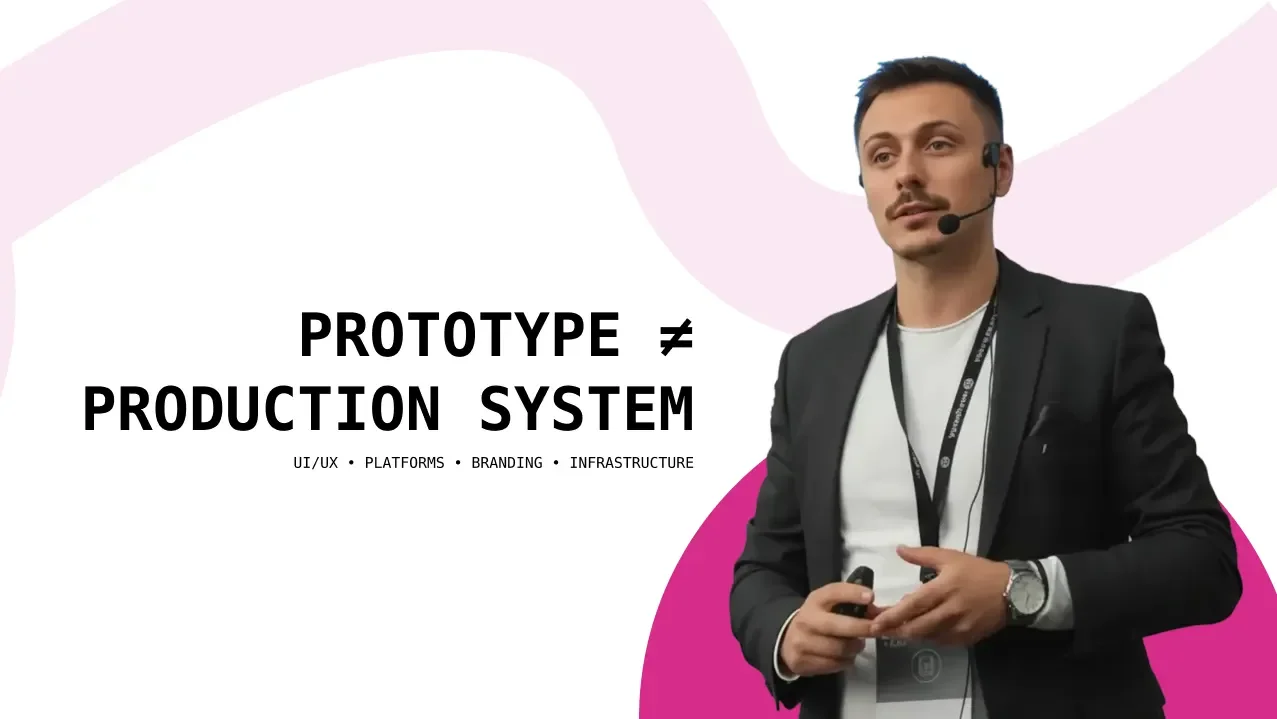
Prototype ≠ Production System
A seven-point launch-readiness checklist for founders moving from a convincing prototype to a dependable production system.
A seven-point launch-readiness checklist for founders
A prototype can look complete long before the product behind it is ready.
The screens are polished. The main journey works. The demo runs smoothly. Stakeholders can click through the idea, investors can understand it, and early users can imagine how it fits into their work.
That is progress — but it is not proof that the product is ready for production.
A prototype is designed to answer a question: Should we build this?
A production system must answer a harder one: Can real people depend on this when conditions are no longer controlled?
That difference matters. Many products do not struggle after launch because the interface was poorly designed. They struggle because the prototype was treated as a nearly finished product instead of what it really was: a tool for testing assumptions.
When the happy path becomes the only path that was properly considered, the problems appear quickly — failed payments, duplicate records, unclear permissions, lost work, support tickets, inconsistent data, and a team afraid to change anything.
Before calling a product launch-ready, I would test it against these seven areas.
1. The core user journey works beyond the happy path
Most prototypes are built around an ideal sequence: a user arrives with the right information, makes the correct choices, maintains a stable connection, and completes the task without interruption.
Production does not behave like that.
People refresh pages, close tabs, enter unexpected data, use old links, change devices, lose connectivity, press buttons twice, and return days later. A launch-ready product must account for these behaviors without corrupting data or leaving the user trapped.
Review every critical journey and ask:
- What happens when a required service is unavailable?
- Can the user safely retry an action?
- Does the system prevent duplicate submissions or payments?
- Can someone stop halfway and continue later?
- Are empty, loading, error, expired, and success states clearly designed?
- Does the user always know what happened and what to do next?
Readiness test: The core task remains understandable and recoverable when something goes wrong.
2. The product has a real data model — not a collection of screens
A prototype can imitate a working product with static content and loosely connected forms. A production system needs a clear definition of what data exists, who owns it, how records relate, and what happens when information changes.
This is where interface-first thinking often creates expensive problems. If the team designs screens before understanding the underlying objects and relationships, the product may look coherent while the data structure underneath it is fragile.
Define the core entities, their relationships, required fields, statuses, sources of truth, and lifecycle. Decide what can be edited, archived, restored, exported, or deleted. Establish how duplicates, partial records, and migrations will be handled.
If a customer changes their company name, cancels a subscription, removes a team member, or returns after six months, the system should know what that means.
Readiness test: Every important screen and action maps to an intentional data structure with clear ownership and lifecycle rules.
3. Roles, permissions, privacy, and security are explicit
“The user can access the dashboard” is not a permission model.
Production products usually contain several kinds of users: owners, administrators, staff, clients, guests, partners, or support agents. They may see the same interface while having very different rights.
Permissions must be enforced by the system, not only hidden in the UI. Sensitive actions need appropriate authorization. Personal and business data must be protected in storage and transit. Secrets cannot live in front-end code. Sessions, password recovery, invitations, account removal, and access revocation all need deliberate behavior.
The practical question is not only “Can the intended user do this?” It is also “Can the wrong user do this — or see something they should not?”
Readiness test: The team can clearly explain who can view, create, edit, approve, export, and delete every sensitive resource.
4. The infrastructure can handle real usage and real failure
A demo proves that the product can work once. Production requires it to work repeatedly, under changing load, across deployments, and despite individual components failing.
Launch readiness does not require overengineering for millions of users. It does require knowing the expected workload and removing obvious single points of failure.
Check hosting, database capacity, file storage, third-party limits, background jobs, email delivery, caching, domain configuration, SSL, backups, and restoration procedures. Define separate development, staging, and production environments. Make deployments repeatable, and make rollback possible.
A backup is only useful if it can be restored. A scalable architecture is only useful if the team knows which part needs to scale first.
Readiness test: The system has enough capacity for the expected launch, critical data is recoverable, and a failed release can be contained or reversed.
5. Integrations and operational workflows are production-ready
Products rarely operate alone. They depend on payments, authentication, email, analytics, CRM tools, scheduling systems, cloud storage, automation platforms, and internal processes.
In a prototype, an integration only needs to demonstrate the intended flow. In production, it must handle timeouts, duplicated events, delayed webhooks, expired credentials, rate limits, partial failures, and manual intervention.
The team also needs to know what happens behind the interface. Who reviews a submitted application? Who issues a refund? What happens when an automation fails? Where does a support request go? Which system owns the final customer record?
If a product action creates work for the business, that operational step is part of the product — even when the user never sees it.
Readiness test: Every critical integration has failure handling, and every human-dependent process has a clear owner and fallback.
6. The team can see, support, and diagnose what happens after launch
Launching without visibility means waiting for customers to discover problems for you.
Basic production observability should show whether the system is available, where errors occur, which background jobs fail, how performance changes, and whether critical events are completing. Product analytics should measure the important journey — not merely page views.
Support readiness matters just as much. Users need a clear way to get help. The team needs enough context to understand the issue without asking the customer to reconstruct every step. Internal documentation should cover common failures, escalation paths, refunds, account recovery, and incidents.
You do not need an enterprise operations department on day one. You do need a way to detect problems, understand them, communicate clearly, and respond.
Readiness test: The team can detect a critical failure before it becomes widespread and has a defined process for helping affected users.
7. Ownership after launch is clear
Launch is not the finish line. It is the moment assumptions meet evidence.
Someone must own product decisions, technical stability, customer communication, analytics, security updates, bug prioritization, content, integrations, and future releases. Without ownership, important work sits between disciplines and slowly becomes nobody’s responsibility.
Define what success looks like for the first 30, 60, and 90 days. Identify the few metrics that reveal whether users reach value. Agree on which issues block launch, which can be fixed shortly afterward, and which belong in the longer-term roadmap.
Also decide how feedback will be evaluated. The loudest request is not always the most important one, and reacting to every comment can quickly turn a coherent product into a collection of exceptions.
Readiness test: Every critical post-launch responsibility has an owner, a response process, and a way to measure the outcome.
A launch-ready product is not a perfect product
None of this means every product needs enterprise infrastructure, complete automation, or every possible feature before its first release.
Launch readiness is not about eliminating all uncertainty. It is about knowing which risks you are accepting — and making sure those risks will not destroy customer trust, critical data, or the team’s ability to operate.
A strong prototype proves that an idea is understandable and valuable.
A production system adds the architecture, resilience, security, operations, and ownership required to deliver that value repeatedly.
That is the real transition from an interface people can click to a product people can rely on.
Before you launch, do not ask only:
Does it work?
Ask:
Does it still work when users, data, systems, and business operations stop behaving exactly as planned?
If the answer is not yet clear, you probably do not have a production system. You have a convincing prototype — and a useful map of what needs to happen next.